How to Archive Tweets Forever - Preserve Tweets on X
X's own export, third-party archives, and what each of them preserves. How to keep a copy before you delete anything.
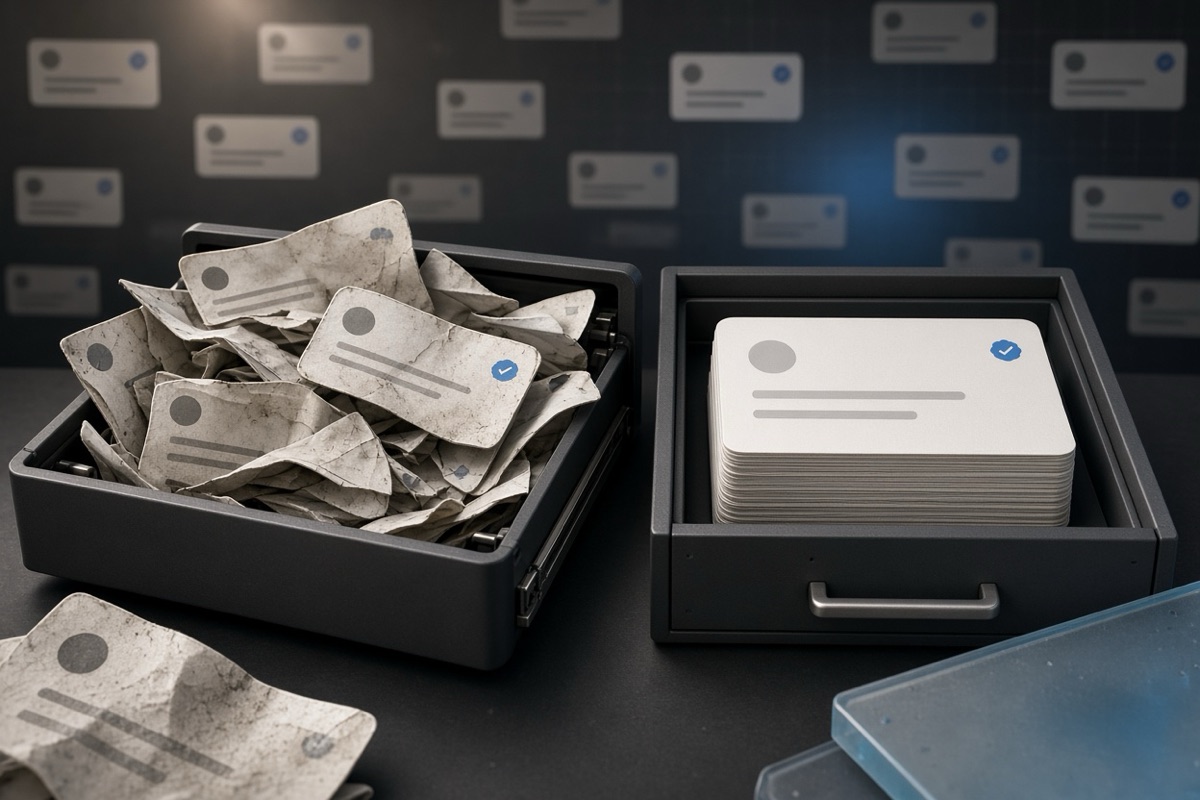
Requesting your official X archive
Head to X and Select Settings and privacy; go to Your account, followed by Download an archive of your data. Here you will need to hit the request button and wait for a confirmation. When the archive is ready, X will email you a download link, which might take anywhere between a few hours and a day. The link will expire faster, thus check the inbox regularly and download the ZIP file immediately that shows up. It includes every post, reply, direct message, like and follower list that you have ever made on the platform.
The downloaded folder contains an HTML file you open in a normal browser. Rewind — This offline viewer shows your full history in a text font timeline view. You can search, scroll, and click through every ingredient of content. The archive is as full as it was at the time you asked for it. It's free and provides you with a permanent local copy which does not need X to continue hosting your data. The only way to receive an overall overview of what you have accomplished on the platform.
Storing your archive safely
One copy of anything in your downloads folder is not an archive, it is a file waiting to vanish. Store at least two copies of it in separate physical locations. Upload one onto a cloud storage service such as Google Drive or Dropbox. Back-up to an external hard-drive or a slave computer. Don't keep it on the same device you use every day; if that device crashes, or is stolen, so is your data. Write the file name with date you are based on and so can simply tell which snapshot is latest.
The archive you created contains direct messages that have readable content. That signifies it should not reside in a shared folder, work account or anyplace other individuals ought to have the option to get to it. Approach it as a personal journal. If you have a password manager, create a note with the archive location and as well when was the last time that you updated it. Download the archive again for once a year or two, because each download is not a live feed but rather, frozen in time. They do not update themselves over old archives, of course.
Using the Wayback Machine to Check Individual Posts
If there is a particular post that you would like to remain publicly citable, navigate to archive. org and paste the URL into The Wayback Machine save page form. This service will take that one post and make it publicly accessible forever at a permanent URL. When running the link, anyone is able to see exactly what the post said when you saved it. This will be helpful for posts with factual statements, announcements or references you think you're going to want to point back to later.
This procedure is not suitable for bulk archiving or posts that you want to delete. Every capture that you submit is recorded & it's a public record — it can be sitting out there for everyone to see. Now, if the aim is to take content down from X, then saving it into the Wayback Machine sort of misses the point. This is only to be used for stuff you specifically want to keep visible on the public web. Use the official X download for private archives.
Archiving before you delete
Correct order is ALWAYS archive before delete! Get your archive from X and download it before you touch a single post. Go through the archive to double-check what you need and what you can get rid of. Running a deletion tool should be avoided until you have the local copy in your hands. This sequence makes sure you do not accidentally lose something when performing a bulk cleanup. Information on X about a deleted post cannot be retrieved, so the archive serves as your backup.
If you delete without an archive, every post gets wiped clean from the slate. There & # 39; the no-back button, even if you reconsider a day later. In addition, it has an archive that can be researched after deletion. You can search for old replies, mentions or media that you might need at a later time without keeping them live on X Both a clean timeline and a complete backup are not opposites, they are the two halves of responsible cleaning.
Using your archive with TweetSweep
TweetSweep looks directly into your exported X archive file. The tool processes the offline version you have instead of scanning through the live timeline, which only goes back to 3,200 posts and can miss some older content. The premise is that it constructs a calendar view of your whole posting history from the archive data. After which all you do is choose date ranges, filters or specific posts and TweetSweep takes care of the rest on your end with respect to X. The archive itself remains present in your PC.
The tool works off your own archive, so it knows what exists and what had already been deleted. It maintains a local log of every post it deletes, so you always have record of the cleanup process. No more guesswork trying to figure out what you deleted months ago! The archive you previously downloaded serves as the source for the deletion, and as the backup of what has been deleted. One file serves both purposes.
Repeating the process over time
When you clean up and continue using X, the new posts pile on. Schedule a reminder to ask for a new archive once every half year or year. Nothing from the old archive is overwritten by each new one, in other words you accumulate snapshots of your timeline at several points. Make sure to have all of them in a single folder and make sure you label them with dates. This provides you with a kind of history to demonstrate how your posting was before it was deleted — not just the last version.
If you prefer, you can delete the old one when you request a new archive; but maintaining 2–3 yearly snapshots takes up hardly any space storage. The ZIP files are usually several megabytes large for accounts that have thousands of posts. Save them together in a dated subfolder within a parent archive folder. Every snapshot is fully self-contained, so at no point you would have to call into X again to reconstruct your history. The amount of work is so small, and the benefit is permanent. Every cleanup is safer also, because you always have the full context readily available.