How to Change Your Name on Twitter/X
Changing your display name versus changing your handle, what breaks when you change each, and where to do it.
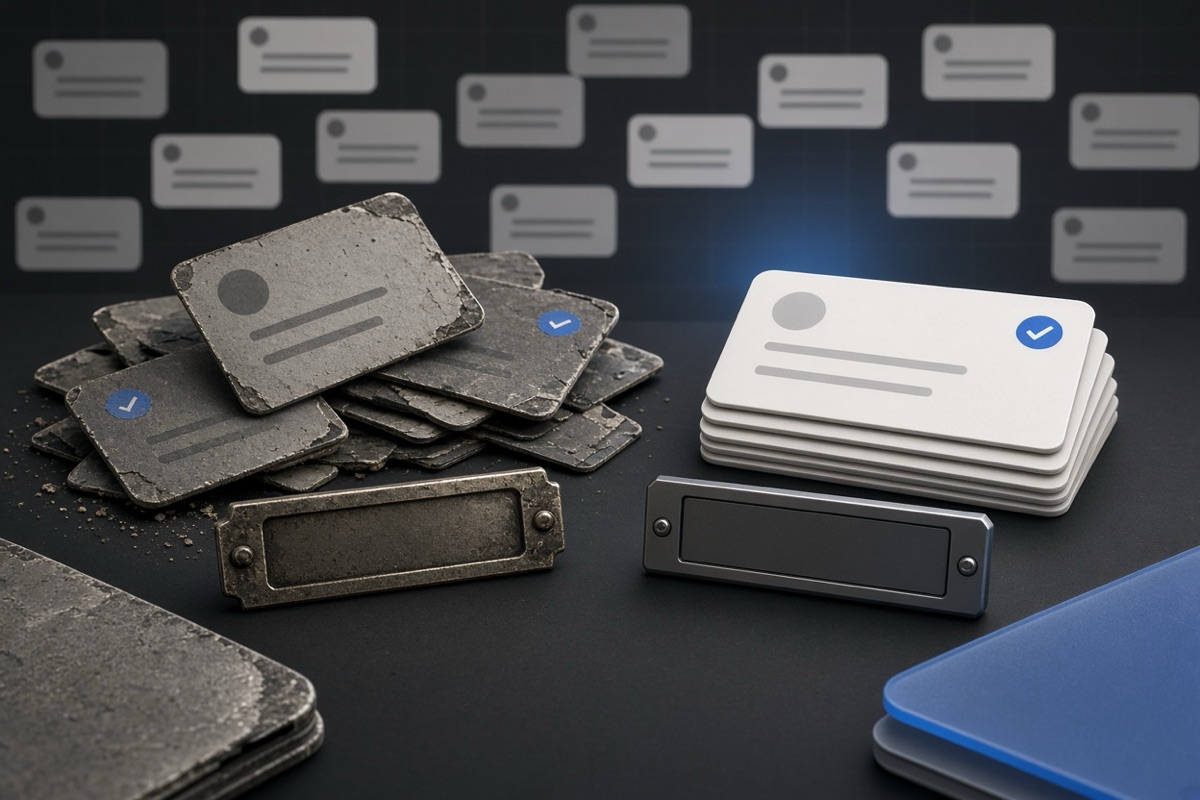
Display name versus handle
X has two names on each account, and these serve different purposes. (Your display name: the top bolded line on your profile card and on every post you create) That can be virtually anything, including spaces and emoji, and you can update it whenever you'd like. Your profile URL has the unique @ string known as the handle. This one is limited to letters, numbers and underscores (up to fifteen characters). Altering the display name is merely aesthetic. Your address on the platform is rewritten if you change your handle.
Before you open **any of the settings screens,** decide which one you really want to change. The majority of users who indicate that they would like a new name simply need the display name. This update is immediate, has no cooldowns, and does not affect your URL, mentions or previous threads. A change of handle is the one that has repercussions. As soon as you save your old @ goes back in the pool so it can be captured by someone else within minutes. If you are editing the handle, read further down.
Web profile editor
Using a desktop browser, click your avatar or click the Profile item in the left sidebar to open your own profile. You can also spot the Edit profile button on the right side of your profile header next to your cover photo. Click it. A few fields are opened in a modal. The first field is titled as Name. That is the display name. Type the new text, it should be 50 characters max and hit save. It removes the modal and the name in bold at the top of your page is instantly updated on your screen and anywhere else you show up.
The Name field is permitted to contain emoji, which count towards the fifty-character limit. You can also use spaces and most punctuation. No review, no waiting period. You can again open Edit profile after one min and can change back if you does not like appearance of it in timeline. Your handle, in the URL stays still. The followers, the posts, and the direct messages remain on that account. When you hit Save, the only thing that changes is that bold label people see on your posts and profile header.
Mobile profile editor
Tap your name for a profile you need to scroll down on the top left of the iOS or Android app, click on it and wait for the side drawer tap Profile. Under the bio area, usually to the right, a button says: Edit profile. Your header shows. Tap it. The top of the form has a Name Field. Enter the text, fifty characters or less and click Save. The app takes you back to the profile and the new display name is already active on all devices logged in to that account.
On mobile, these have the same fifty-character limitation and emoji rules as web. No extra confirmation dialog; saves happen with no cooldown time immediately one after the other. If you make use of iOS, too — well, then you only need to change in one place. Next refresh the other client reads the new display name. Your @ handle, the url of your profile and every permalink to an old post are unchanged. Updating your Name field does not free up your username or un-register it for another person to register.
Username field
To change the handle, navigate to your Settings and privacy > Your account > Account information > Username. The path is no different on the web and in the apps, with labels appearing in a list instead of a sidebar on phone. Username: 15 Characters max. Only anu letter, number or underscore is permitted. Spaces, dots, and emoji are disallowed. Enter your new handle and check availability If it is free, save. The form won let you proceed if it is already taken.
As soon as the new one saves the old handle is released. It is re-entered into the public pool and can be registered by anybody. You will not have a hold period and there is no way to reserve the old name on a dummy account. Posts, follower list and dm all remain on the account. Only the address changes. The new link is x.com/yournnewhandle Over time, bookmarks and mentions that resolved to you before your new handle will stop resolving. Do not save till you have seen what that break looks like.
Broken profile addresses
All public links to your profile have relied on that old handle as the path. That path no longer belongs to you after the save. Some old links redirect for a while, some do not. Do not count on a redirect. Handles are also included in every permalink to an individual post, so those URLs change too. Any links to the old address that existed in articles or newsletters, or on other sites where they had been written up and linked back, will either result in a 404 error or will go to whoever claimed the name. If you have control of those, update them yourself. Others posts cannot be updated.
References to your old handle in other users ' posts stop referencing your account. Your @ text is still visible, but it no longer lives as a live mention of you. Now any one of your jailers can register the name which you just releasde. And that is the number one reason to be cautious. — Your posts, followers and direct messages have not gone anywhere. The only things that change are the address and the mention graph. Before you part with your old handle, consider if it is worthy of safeguarding. Once you have done saving, the risk keeps lurking there.
Timeline after a rename
Someone changes a handle when the account is about to become something new in appearance: a fresh job, a brand-new business venture, another public persona. The easy part is the name change. With the new header, the date on the timeline is still this old, outdated timeline. A visitor that lands on the new URL reads every post you wrote under the previous identity. Replies and media remain in place. New name or username never deletes a tweet. If the rename is intended as a clean up, archiving must be thought of as a separate task.
TweetSweep deletes posts by date range, which places the new name on an appropriately matching timeline. The tool lets you choose a start date and an end date, and then clears everything out of that range. Why not use it when before or after the rename. All of the account, all of the followers, and every direct message are retained. This only affects the posts in that range. A visitor who clicks on a fresh link imagines the new display name, finds the new handle and a brief history that attaches to the identity you now choose to represent yourself publicly after a wipe.