How to Delete Tweets Before Handing Over an Account
Handing over an X account hands over everything it ever posted. What to clear first, how to bulk delete within X's rate limit, and what to archive for yourself.
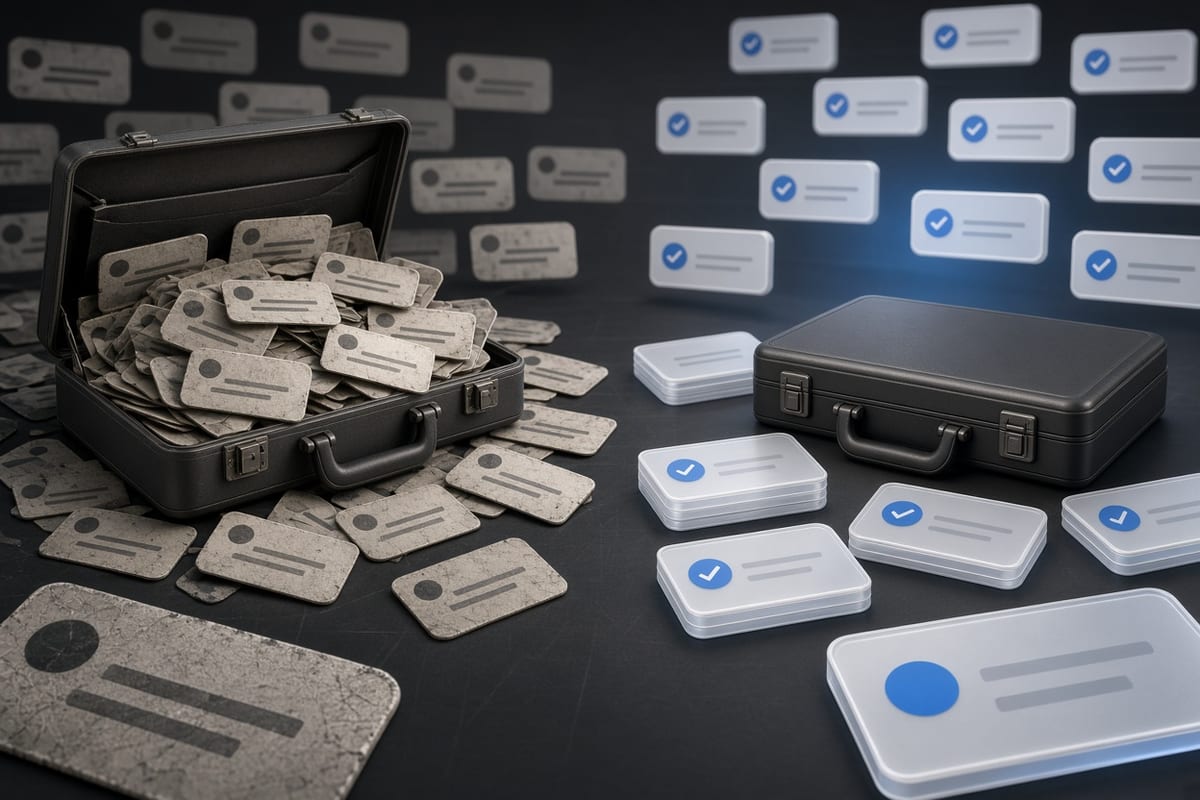
Why the account's past matters at handover
Handing an X account to someone else, whether that is a social media manager, a colleague taking over the brand, a family member or the buyer of your business, hands over everything the account has ever posted. Years of opinions, jokes that have aged badly, takes you no longer hold and announcements that are no longer true all go with it.
The new owner will be judged on what they post, but they inherit the scrutiny for what is already there. A post from a decade ago that was unremarkable at the time can become a problem for an account you no longer run, and the person answering for it will be someone who never wrote it.
This is not about erasing yourself. It is about handing over an account rather than an archive of a previous life, so whoever takes it can build on the handle and the following without dragging a history that was never theirs.
What to look for before you delete
Read the timeline as the next owner will have to. Start with anything personal: complaints about work, relationships, health, family. Whatever the account is for now, that material is not part of it.
Then time-bound posts. Promotions that ended, events that happened, announcements that were superseded, opinions about a product that no longer exists. On a business account going to a new team, old launch threads actively mislead anyone who scrolls back. On a personal account going to a relative, most of it is simply not about them.
Then the material that has aged badly. Political arguments, jokes that would land differently now, anything you would not post today. Even where you think it is minor, the point is that the new owner may end up being asked about it, and that is not a fair thing to hand someone.
X's advanced search is the practical way through this. Searching "from:yourhandle" together with a date filter such as "since:2020" narrows a decade down to a readable slice. Downloading your X archive is faster still for getting an overview, since it is the whole history in a file you can read at once instead of scrolling.
Deciding what to keep
Not all of it should go. If the account is going to someone who will keep doing roughly what it has been doing, such as a business sold to a competitor or a niche account passed to a friend, the archive has value. Deleting a decade of genuinely good posts throws away the reason the following exists in the first place.
The test that works: would the new owner be comfortable having this post read as theirs, and could they explain it if asked? If yes, it stays. If no, it goes. Posts that are useful on their own, like a good explainer, a thread that landed or a milestone worth remembering, usually pass. Posts that only made sense if you knew the person writing them usually do not.
When you genuinely cannot decide, delete. The cost of removing a harmless old post is nothing. The cost of leaving one that becomes a problem for someone else falls on them.
How to delete in bulk
Past a few hundred posts, deleting by hand is not a real option. A bulk tool connects to the account through X's API and removes posts by the criteria you set, whether that is a date range, a keyword or an engagement threshold, so you can clear a specific period without emptying the whole timeline.
X caps deletion at 50 requests per 15 minutes per account, and that cap applies to every tool equally because it is enforced on X's side. A large cleanup therefore runs over hours or days in the background rather than finishing while you watch. TweetSweep works this way: pick the months on the calendar, start the run, and let it work through the queue at the pace X allows.
Doing it manually is still fine for a small number of posts. Open the profile on desktop, or use advanced search to isolate what you want, and delete each one from its menu. Whichever route you take, check that the tool uses X's OAuth flow and never asks for your password. You are about to hand this account to someone else, and it should not have passed through a service that asked for credentials it had no business holding.
What deletion actually does
Deleted posts come off your profile, out of X's search, and out of the API that third-party apps read. Anyone opening the account afterwards sees only what you left, which is the entire point.
What deletion does not do is reach copies made while the posts were live. Screenshots stay on the devices they were saved to. Quote posts stay up on other people's timelines with a dead link where yours used to be. Web archives that crawled the page keep their snapshot. Deleting is the right move regardless, because it handles the long tail nobody copied, which is nearly all of it, but it is not a guarantee about anything already captured.
Two side effects are worth knowing. Analytics for deleted posts go with them, so the account's historical engagement data gets thinner. And deletion does not touch followers, likes you have given, or the handle itself, so the account's identity and audience carry over intact, which in a handover is exactly what you want.
Deleting versus archiving
Before deleting anything, decide whether you want your own copy. Once posts are gone from X they are gone, and X's archive export is the only complete record you will get. Request it, wait for the download, and confirm you have the file before you start deleting, not after.
This matters most on accounts that have been running a long time, where the timeline holds photos, milestones and work you would not want to lose personally just because it should not stay on an account you no longer own. The archive gives you both: a private copy for you, a clean public account for whoever is taking over.
Deleting and handing over is usually the right shape for this. Deactivating and telling the new owner to start fresh throws away the handle and the following, which are normally the whole reason the account is worth transferring. So export the archive, decide what stays, clear the rest, then update the bio, avatar and header to match where the account is going. What you hand over is then the audience and the name, without the history that came with them.