How to See What Twitter Showed Recruiters
Guide to checking what a recruiter actually sees when they visit your X profile before a job interview.
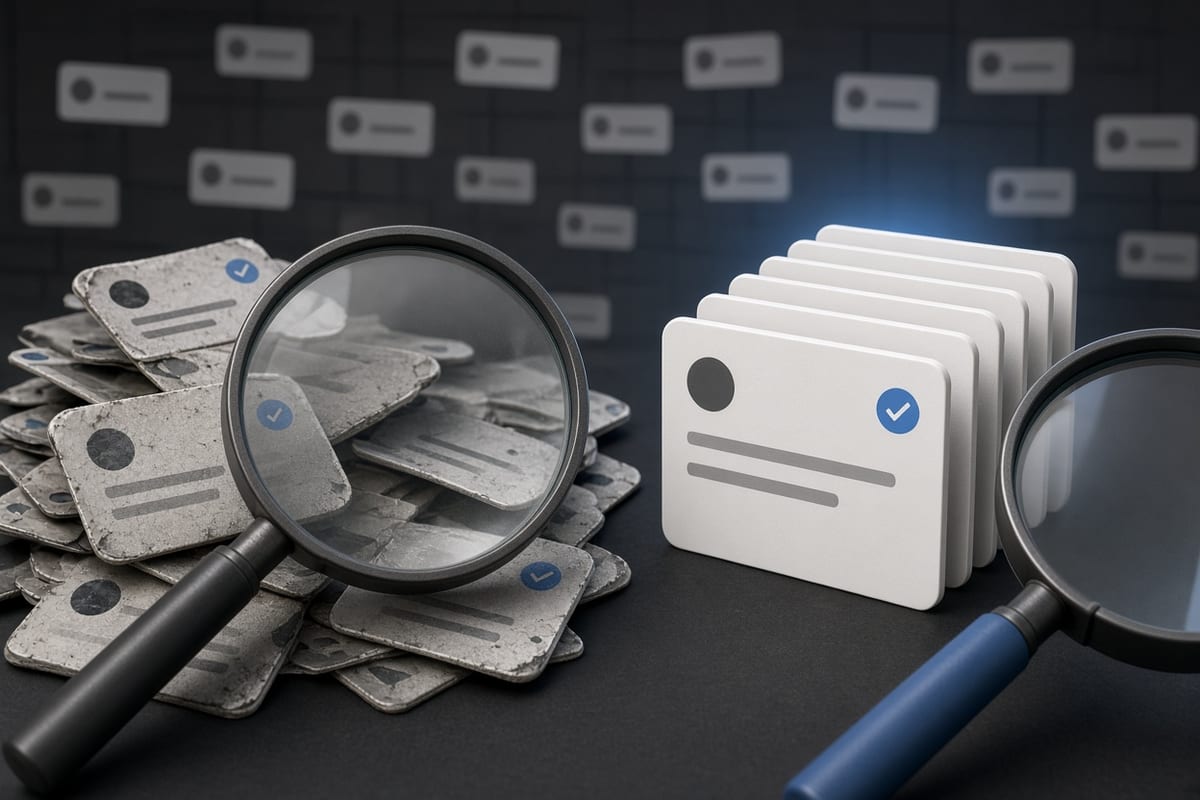
Recruiter View Vs Your View
When a recruiter opens your X profile, they see a different interface than what you see when logged into your own account. They cannot see protected posts, your analytics, your notification settings, or any of the account management options. What they do see is exactly what any logged-out visitor sees: your bio, header image, pinned post, the first handful of tweets on your timeline, and your recent likes if you have not hidden them. The recruiter does not get a special summary page or a flagged list of problematic posts. They scroll through the same timeline a stranger would see, but they do it intentionally, looking for red flags that would make a hiring manager reconsider.
The most important thing to understand is that recruiters almost always check a profile on a desktop browser, not the mobile app. On desktop, the timeline shows about twenty posts per page, and a recruiter typically scrolls through the first two pages before forming an opinion. They are not digging back to your 2012 tweets unless something on the first page makes them curious. They are looking at recency, tone, and how you talk about your industry. A recruiter seeing a locked account simply moves on. A recruiter seeing five-year-old complaints about a previous employer does not scroll past them to find the good posts underneath.
How to See Your Profile as a Stranger
The simplest way to check what a recruiter sees is to open an incognito or private browser window and navigate to x.com/yourhandle. This shows your profile exactly as it appears to anyone who is not logged into X. No cached version, no personalization, just the raw public view. You can also ask a friend who does not follow you to screenshot what they see, but the incognito window gives you the same result without involving anyone else. Do this on a desktop browser, because that is what most recruiters use during a screening.
Pay close attention to three things in this view: your pinned post, because that is the first thing anyone sees; your most recent replies, because recruiters look at how you engage with people, not just what you broadcast; and your liked posts if you have not turned off the public likes feature. Recruiters will click on a like to see what content you endorse. If your likes include political arguments, offensive jokes, or threads attacking a former boss, those show up right alongside your own posts. The incognito view gives you an honest picture of what a thirty-second scan reveals, and that is often more than you realize.
What Recruiters Actually Scan For
Recruiters are not reading every tweet. They are pattern-matching. They look for frequent complaints about work, profanity in the first ten posts, mentions of illegal behavior, and anything that suggests you cannot keep a professional boundary online. They also notice how you talk about your current employer. A recruiter who sees you trashing your boss is going to wonder what you will say about them in six months. They note whether your bio matches your resume or tells a different story about your skills and experience. A mismatch between what you claim on LinkedIn and what your X bio says about your current role is a flag they will follow up on.
They also check for consistency. If your profile says you are a senior developer but your timeline is entirely sports arguments and memes, that is not a red flag by itself, but it does not help your case either. What does hurt is a timeline that shows a completely different persona from the one you presented in the interview. Recruiters are not looking for perfect behavior. They are looking for behavior that makes onboarding, team fit, or client relationships harder than it needs to be. Everything they scan maps back to that single question: will this person cause a problem I have to explain to my manager.
What to Clear Before They Look
Start with anything that mentions your current employer negatively. Even a vague complaint about the commute can read as dissatisfaction if the recruiter is skimming. Next, clear posts that share personal contact information, your home address, your phone number, or your email address. Those are privacy risks regardless of what a recruiter sees. Then remove posts about illegal activity, even if they were jokes or hyperbole. A recruiter does not know the context of a ten-year-old tweet about drugs or vandalism. They only see the text on the screen. Finally, look at your replies. A reply where you insulted someone in a public thread or got into a heated political argument is more damaging than any original post you wrote.
The order matters because you may hit X's rate limit before you finish deleting everything. Clear the most dangerous posts first: anything that could disqualify you outright. Then move to the mildly unprofessional posts that might give a recruiter pause. If you run out of deletions for the day, at least the worst material is gone. The posts that are just awkward or overly personal can wait until tomorrow. Do not delete posts from the last week unless they are among the dangerous ones, because a completely empty recent timeline also raises questions. Leave something that shows you are a real person who posts about their work or interests. A clean but active timeline is the goal, not a blank one.
How Long to Wait After Deleting
Deletions from X are instant on the platform itself. The moment you click, the post disappears from your timeline and from search results on X. But Google still holds a cached copy for up to a few days, sometimes longer. If the recruiter Googles your name instead of going directly to your X profile, they might see a snippet from a post you already deleted. That cached snippet can remain visible for three to seven days after deletion, depending on when Google last crawled your profile. To speed up the cache removal, you can use Google's Remove Outdated Content tool, but it is not guaranteed and takes a few days to process.
The safest approach is to delete problematic posts at least one week before your interview date. That gives Google time to refresh its cache naturally. If you cannot wait a week because the interview is tomorrow, delete the posts immediately and do not rely on the cache clearing in time. Most recruiters will check your profile directly on X rather than a Google search, so the deletion itself is effective. But if the recruiter happens to search your name and sees a Google snippet of an offensive post, they may assume the post is still live and decide not to proceed. Plan the cleanup far enough ahead to avoid that timing risk entirely.
What You Cannot Undo
Once someone has already screenshotted a post and shared it, deletion does not get that image back. A recruiter who saw your profile before you cleaned it may remember the post even if it is gone now. You cannot erase their memory of what they read. You also cannot delete posts that exist in quote tweets made by other accounts. If someone quoted your post with a comment, that quote tweet still shows your original text even after you delete it. The quote tweet becomes an orphan that references content only the quoter and their followers can still see, but the text appears in their tweet as plain text, not as an embed that shows a deleted post.
Your X archive, if you requested it before deleting, contains a full copy of every post you ever made, including the ones you delete later. That archive lives on your computer or in your email, not on X's servers, but it means you cannot claim the posts never existed if someone somehow gains access to your local files. None of these limitations mean deletion is pointless. They just mean you are managing risk, not erasing history. The goal is to make it harder for a recruiter to find the damaging material, not to pretend you never posted anything. A clean profile today is better than a controversial one, even if a screenshot of your worst tweet survives somewhere.