What Happens to Deleted Tweets From an Old Account I Sold
When you delete tweets from an X account you no longer own, the deletion still works but the new owner controls the account and the archive.
Who Controls the Account After a Sale
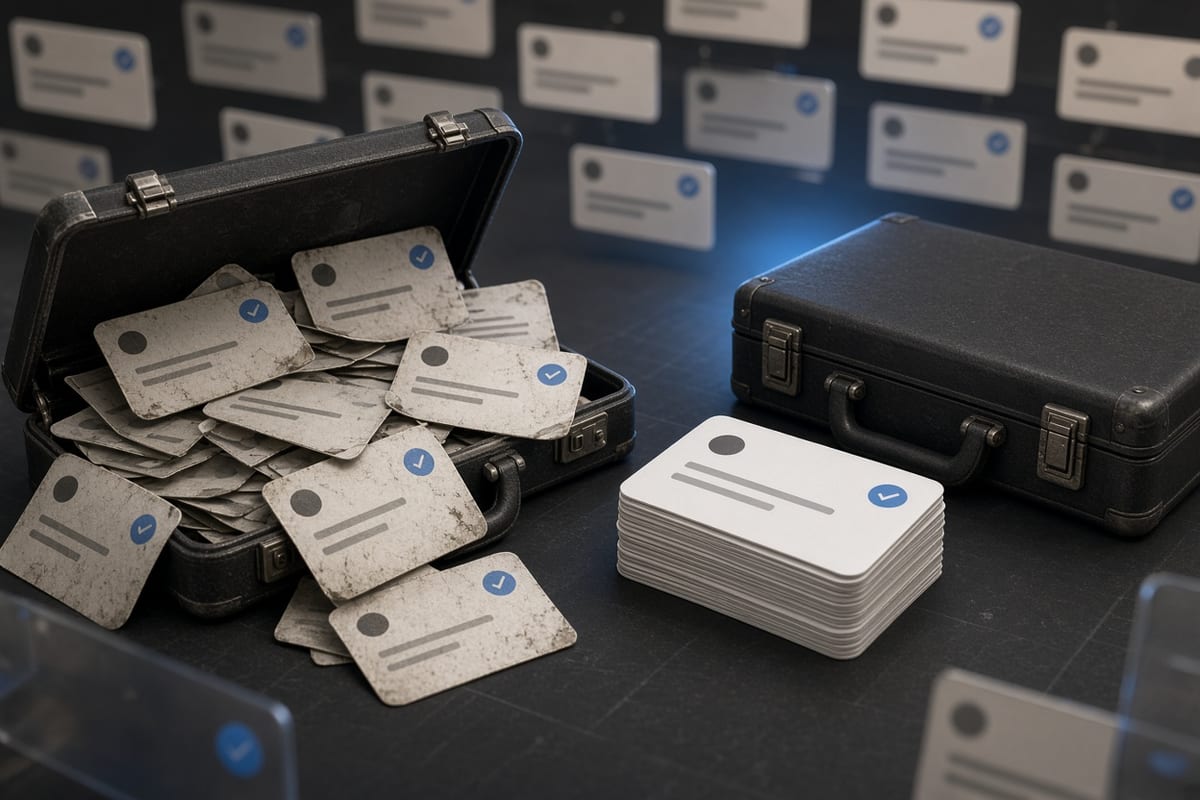
When you sell or give away an X account, the email, password, and phone number change to the new owner. You lose all access to the account itself. But the posts you created while you owned it remain on the timeline as long as the new owner keeps them. The account history is not erased just because the login changed hands. Every tweet, reply, and like you made is still visible to the public under whatever display name and handle the new owner has set.
The new owner can delete your old posts, change the bio, and rebrand the account completely. But they are under no obligation to do so. Many buyers purchase established accounts specifically for the existing content and follower base. Your old tweets become part of their inventory unless you negotiate removal as part of the sale. If you want the posts gone, you must delete them before transferring the account credentials.
Can You Still Delete Tweets After Giving Away the Account
Once you no longer have the password or access to the email tied to the account, you cannot log in to delete anything. The account is simply not yours anymore. Some people try using X's deactivation process to force a deletion window, but that requires current login credentials. If the new owner has already changed the password, your only option is to ask them politely to remove specific posts.
If you have an old archive export from when you owned the account, the tweets in that ZIP file are snapshots of what was public at the time of download. Deleting tweets from that archive does nothing to the live account. The archive is a local file on your computer and has no connection to X's servers. The only way to remove a tweet permanently is to delete it while you control the account.
What the New Owner Sees After the Transfer
The new owner inherits the full timeline, including every tweet you ever posted. They see the same timeline any other user sees, plus the option to delete individual posts or the entire history. If the account was public, all your old tweets are visible in search results and on the profile page. The new owner can scroll back to the very first tweet you made, read through everything, and decide what to keep or remove.
If you requested your X archive before handing over the account, that archive contains a copy of every tweet, including deleted ones that were still live at the time of export. But the new owner also has access to request their own archive after the transfer. That archive will include your old tweets along with any new ones they have posted. The archive is tied to the account, not to the original creator of each tweet.
What Happens to Your Old Tweets After You Sell
Your old tweets continue to exist exactly as they were. They show your original text, date, and time, but the display name and handle now reflect the new owner's profile. If someone finds a link to an old tweet of yours, the tweet still loads and shows the content you wrote, but the account name above it belongs to the buyer. This can create confusion if the new owner posts something controversial, because your old content remains associated with the same account.
If the new owner later changes the handle, all your old tweets update to the new handle automatically. X uses a single account identifier behind the scenes, so every tweet ever made on that account always shows the current handle. The only way to permanently separate your identity from those tweets is to delete them before giving up access. Once the transfer is complete, your name and your posts are in different hands.
How to Remove Your Tweets Before Selling the Account
If you decide to clear your history before handing the account over, you need to delete every tweet you created while you owned it. The fastest way is to use a bulk deletion tool that connects through X's official API. These tools let you filter by date range, so you can target only the posts from your period of ownership without affecting anything the new owner might add later. Start the deletion process at least a few days before the transfer because X's rate limit caps deletions at 50 per 15 minutes.
You can also delete tweets manually one by one, but that takes hours for accounts with hundreds of posts. After deletion, X keeps the posts hidden from the public but still stored in its internal systems for up to 30 days before permanent erasure. If you hand over the account during that window, the new owner cannot undelete your posts because the deletion request is tied to your session, not the account itself. Once you finish deleting, download your archive for your own records, then proceed with the transfer.
What Cannot Be Undone After You Sell the Account
Once the account is in someone else's control, you cannot delete, edit, or retrieve any tweets from it. If you forgot to remove a post that contains personal information, it stays online until the new owner decides to remove it. There is no appeal process to X to have content removed from an account you no longer own. The only exception is if the tweet violates X's policies, in which case anyone can report it, but the decision to remove it still rests with X's moderation team.
You also cannot prevent the new owner from using your old tweets in screenshots or quote posts. The tweet itself is tied to the account, and the account belongs to them. If they choose to highlight an old post of yours in a way that embarrasses you, there is no recourse. The account is theirs to manage. The only protection is to delete everything before the handover and accept that any screenshot or archive taken before then exists outside your control permanently.