What Happens When You Switch Twitter From Private to Public
What You See When You Turn Off A Private Account And What To Clear Beforehand
What the Switch Actually Does
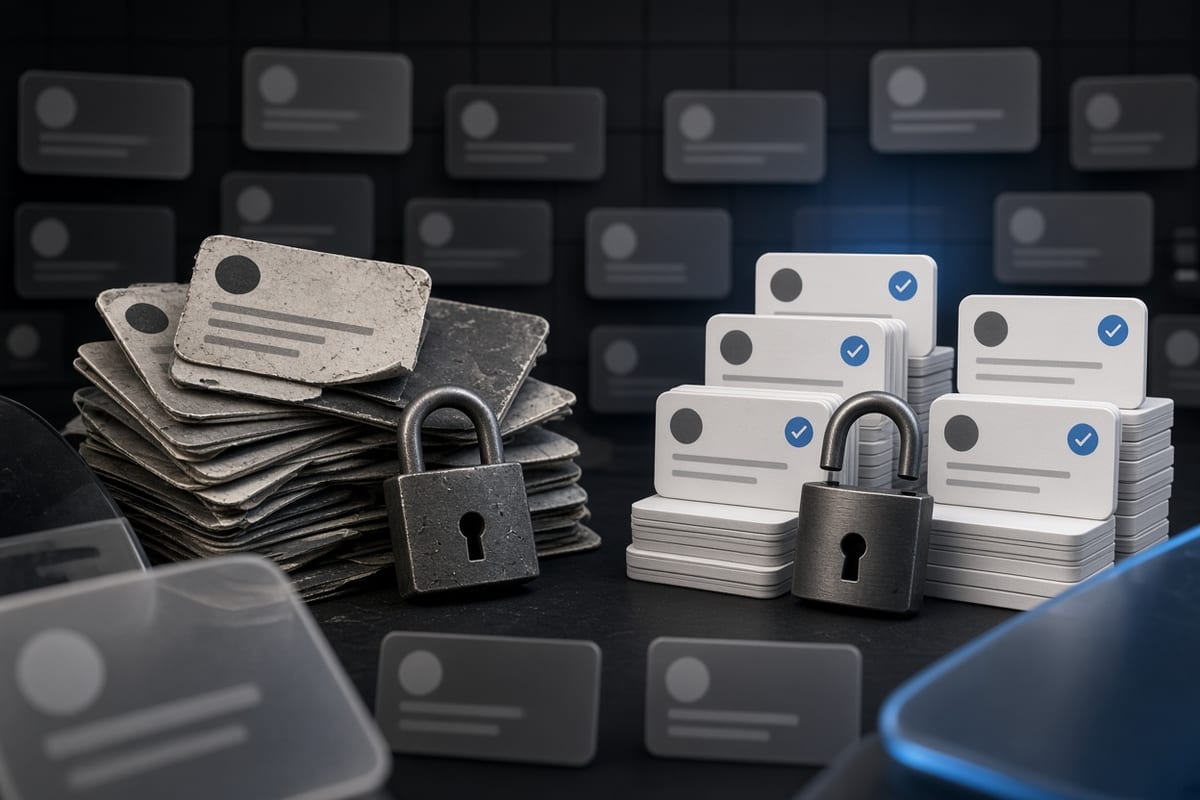
Putting a protected account to public publishes any post that you've ever made to anyone who finds your profile. That setting can be found under Settings and Privacy, then Privacy and Safety, then Audience and Tagging. X presents a confirmation screen that states your existing posts will be public when you toggle from Protect your posts to off. Until you confirm, nothing changes. There is no grace period, and there are no undo buttons once you confirm the publication of individual posts. You are trained on a timeline that gets everything, even from years ago you might have forgotten about, for search engines to see and logged out visitors and any account who stumbles onto your profile.
The change is immediate. Once you authorize it, the posts are no longer behind the approval gate. They are out there for anyone to view, respond to, quote and screenshot. Your followers won't be told in the regular way, but anyone who was following you before will see your posts in their home timeline as though they had always been public. The main difference is you no longer have to approve new followers. The switch does not alert those you already blocked in the past, and it also does not apply for you to see any DM or media from a private conversation that you sent.
What Becomes Visible Immediately
All of your posting history is made publicfirst. This would also have every tweet, retweet, reply and quote post that you made while the account was protected. Posts deleted prior to the change remain gone, but if it's still on the timeline, anyone can see it. Anyone who visits your profile can now see how many followers and following, as well as when you joined. The Bio, profile picture, header image and pinned post also become completely visible to non followers.
Any likes of yours also become public with no hiding. Protected Account likes are viewable by followers approved for the account. An individual who looks at your profile has a tab of likes that you make after the switch. It's usually a section of the account that ends up surprising people most, because likes expose opinions or endorsements (or just jokes) you never meant to be part of your public persona. This goes on for lists that you prepared or are subscribed to. You also become searchable when it comes to any media you posted, such as photos and videos, which can show up in image search results.
What Does Not Change
Direct messages are not affected, they still private and secure totally independently of the account status. Any messages you sent or received when the account was protected remain in that state before switching it. You cannot view messages from the past to which you did not belong in the first place. Anything applies to group conversations, updates etc in which you are present. Your account settings: such as muted words, blocked accounts and your notification preferences is unchanged from the previous account. The only thing that changes is the way your public content will be seen.
Your archive export, if you downloaded it before the change, is still your private copy. Unlike X does not alert your existing followers that the account went public nor back-push notices to those who had been following you. You can have some one blocked before the switch, they will stay blocked and also still not able to see your profile. In this scenario, if one private account followed the other, that relationship is unaffected. Switching your account does not remove the protected status of the other account.
The Reason You Want to Clear Up Before Switching
Include content that never should have been made public to begin with, as it was created with past posts. It contains personal opinions, family photos, location check-ins and banter you did not want a recruiter or client or stranger to see. However, there are some themes in the regrets people express after switching platforms: One is that they never knew how many posts there were out there that they would never have publicly shared. The most problematic posts are often those that were written at a different stage of life, in a new job or relationship.
Public profiles are indexed almost instantly by search engines. Your posts can show up in Google results for your name or your handle, just hours after switching. The timeline is also part of your digital footprint if you have a professional online presence, such as LinkedIn or a personal website/ business. Controlling the appearing footprint that you will leave behind by clearing out posts with personal contact details, private jokes or politically passionate content long before switching. Or alternatively, finding that someone else has discovered something you forgot.
How to Empty the Timeline Before You Swap
Downloading Your Archive The most straightforward option is just to download your archive. Request a ZIP of Everything You Ever Posted on X This provides a comprehensive record which you can preserve even when deleting posts. Providing both a way to download your own account is a request for data070223 from Settings and Privacy, Your Account, then Download an Archive of Your Data. This may depend on how much information you own — would take a couple of hours or units long to finish. After getting the archive, you could check your data on other device and decide what to keep and what to delete from your account.
When it comes to erasing years of posts before switching, the easiest method is bulk deletion. X's API also allows to delete a maximum of 50 posts per 15 minutes so deleting thousands of posts manually isn’t possible. These tools leverage the same API exposed to X's Premium and Enterprise users for mass deletion by time range, keyword or engagement level, as a tool like TweetSweep is doing. It takes time based on the number of posts you are cleaning but is done in background. You can use the advanced search feature to search and identify specific types of posts such as posts containing your phone number, address or email, and delete them individually.
What to Do After the Switch
Toward the end, you confirm the switch and in another browser or incognito window visit your profile (without being logged in). It is the only way to see precisely what a stranger sees. Check the posts tab, likes tab and media tab. If it helps you, more of what you missed will be more visible to delete once the swap. Having made a post public does not mean it is gone forever—these can be deleted either one by one, or en masse in the same way you would previously remove posts.
A few days after you change the servers, check your search engine results. Search your handle and your name on google to see if posts from people came up in the index. If so, you can submit requests for Google to remove the cached versions of any posts that you delete. X never tells search engines when you delete a post, so cached versions can stay for weeks. The best way to do this is clear everything that you would not want to be public before switching and watch the results for a few weeks after so if anything ends up slipping through, it can get addressed.