What Happens to My Tweets After I Die
What happens to your X posts when you pass away, who can access your account, and how to handle memorialization or deletion.
Your Account's Default State
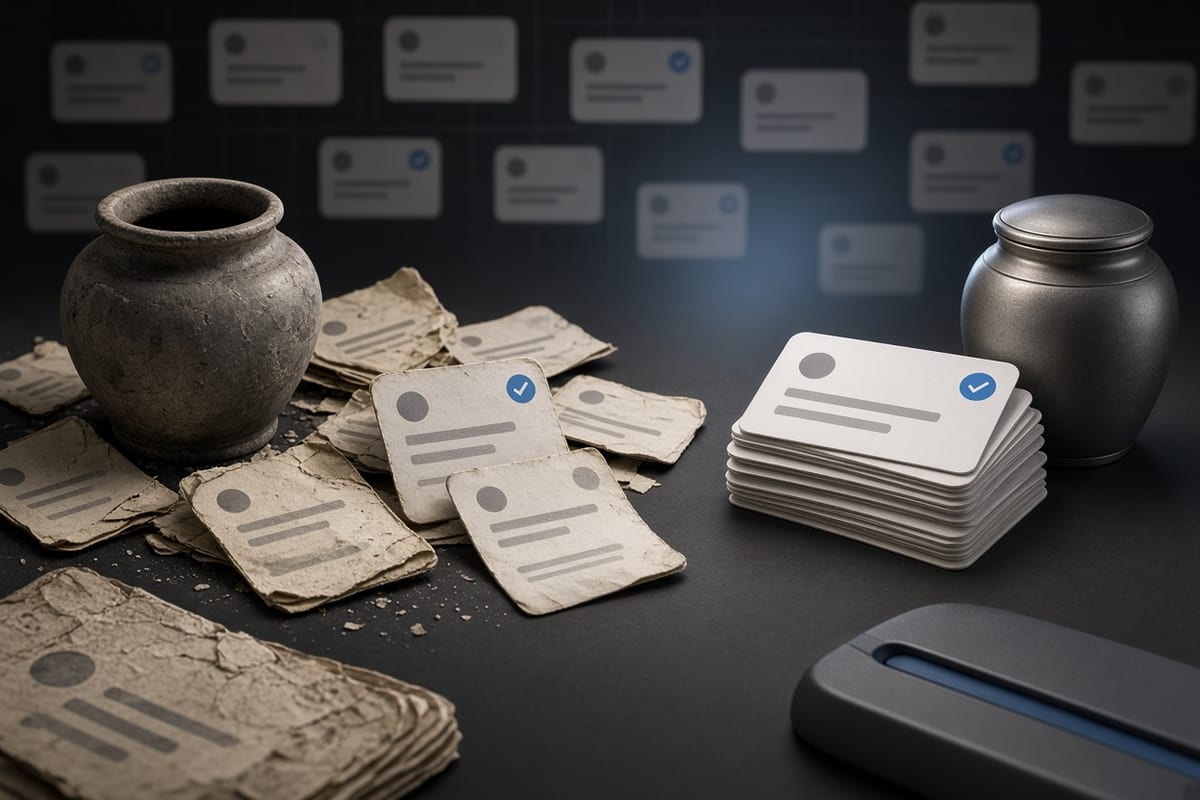
If you die without arranging anything, your X account stays exactly as you left it. Your tweets remain public, your profile stays up, and your account remains active on the platform. Nothing automatically flags your account as belonging to someone who has passed away, and your posts will continue to appear in search results, timelines, and replies to other users. Your account will keep existing indefinitely in this state, unless someone reports it or takes action.
X has a policy for deceased users, but it does not activate by itself. A family member or executor must contact X to request memorialization or deactivation. While that request is pending, your account remains fully visible to anyone who visits your profile. Your likes, replies, and private interactions also stay accessible to anyone who had them before. No part of your history disappears automatically, and your account does not time out after a period of inactivity.
What Memorialization Actually Does
X only offers one form of account handling for deceased users: deactivation. There is no official memorialized state that keeps your tweets visible but marks your account as inactive. When a verified family member submits a request with proof of death and evidence of their relationship, X will deactivate the account entirely. That means your profile stops being viewable, your tweets disappear from X, and your username eventually becomes available for someone else to claim.
Deactivation is not immediate. You cannot simply email X and have the account gone the next day. The process involves submitting a form, providing documentation like a death certificate, and waiting for X's support team to review it. During this waiting period, your timeline remains public. Anything you posted before you died is still there, still indexed, and still recoverable by anyone who records it. Only the deactivation itself removes your posts from X's own platforms.
Who Can Access Your Account
X does not grant password access to family members after your death. Even with a death certificate and legal authority, X will not hand over login credentials to your executor or relatives. They can request deactivation, but they cannot log in as you, delete individual tweets, or change your settings. This is a deliberate policy to protect your data from unauthorized access, and it applies even if you left a will explicitly granting access to someone.
This limitation matters more than most people expect. If you have old tweets you would want deleted after your death, no one can do that for you. Your executor cannot open your account and clear posts that might embarrass your family or harm your reputation. The only options available to them are to request full deactivation, which removes everything, or to leave the account as is. There is no middle ground where a trusted person curates your timeline posthumously.
The Deletion You Should Do Yourself
If you are preparing for a serious illness or simply thinking ahead, the only person who can control your timeline is you, while you are alive. You can delete posts at any time using X's interface or a bulk deletion tool, and you can do this in stages to manage the clean-up. Deleting posts before your death ensures they will not be part of your digital legacy, and this is the only way to guarantee that specific tweets are gone before anyone else has to deal with your account.
A practical approach is to review your timeline periodically and remove anything you would not want to leave behind. Focus on posts with personal information, strong opinions, or content that does not reflect who you want to be remembered as. Bulk deletion tools like TweetSweep are useful here because they let you delete by date range or keyword, which is far more efficient than scrolling through years of posts manually. You can run this process over a few sessions, and the rate limits on X's API mean a large account may take a day or two to clear fully.
What Happens to Your Tweets and Data
When X deactivates your account after your death, your tweets are removed from the platform. They no longer appear on your profile, in search, or in other users' replies. However, deletion does not guarantee total erasure. Other people may have screenshots, quote posts, or cached versions of your tweets. Google may still show snippets of your old posts in search results for a while, and archives like the Wayback Machine may have captured pages of your profile or individual tweets. These remnants are beyond your reach and beyond X's reach once they exist.
Your account data, including your direct messages, analytics, and archive export, is not transferred to your family. X retains the data under its own policies, but no third party is granted access. If you want your family to have a copy of your posting history for sentimental reasons, you need to download your archive while you are alive and store it somewhere they can find it. The archive includes your tweets, media, and follower list, and it is the only complete record of your account that anyone outside X can hold.
Planning Ahead for Your Digital Legacy
You have more control than you might think, but only if you act before you die. You can decide how your account should be handled by telling a trusted person what you want, though that person cannot execute your wishes without X's involvement. You can also set up a password manager with login details for a trusted person, but X will not help them use those credentials after your death. In practice, the most reliable plan is to clean up your own timeline while you can and leave clear instructions about whether your account should be deactivated.
If you want your account deactivated after your death, write down who should contact X and what information they will need. The person will have to navigate X's support process, which asks for proof of death and identity. If you want your timeline preserved as a memory, decide whether that means leaving the account public and active or downloading an archive to share privately. Each choice has trade-offs, and there is no way to change your mind after the account is gone. Making the decision now, while you are in control, is the only way to ensure your digital footprint reflects your wishes rather than someone else's guess.