Why Old Tweets Show Up in Other People's Timelines
Explains why X shows your old posts in other users' feeds, what controls you have over it, and how bulk deletion stops it permanently.
How the Timeline Algorithm Pulls in Old Posts
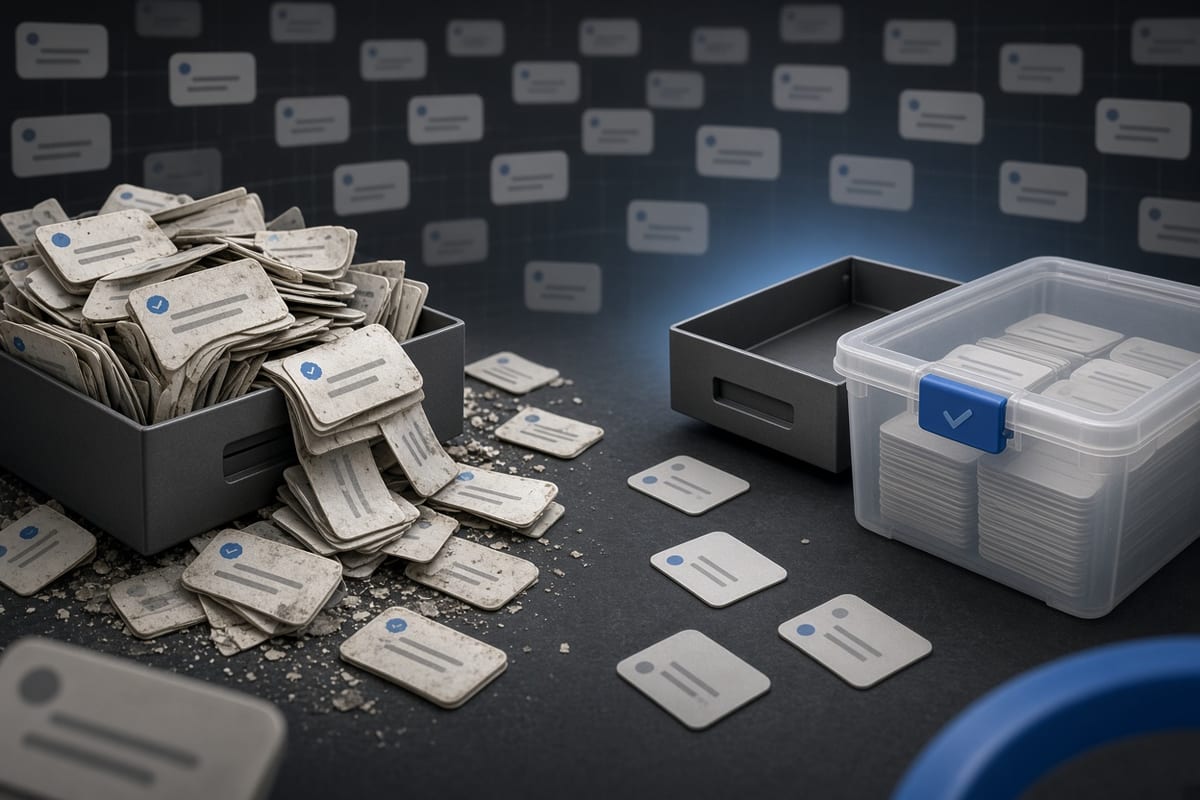
X's ranking system does not only show recent posts. The For You feed mixes new content with older posts that it considers relevant or engaging. If one of your old posts gets a sudden spike in likes, replies, or retweets, the algorithm can surface it again in other people's timelines. This happens even if the post is months or years old. The system treats a reactivated post the same as a fresh one, showing it to people who follow you and even to users who do not follow you but have shown interest in similar topics.
The Home feed, which shows posts in reverse chronological order, is less likely to surface old tweets. But if someone scrolls far enough back or uses the search feature, your old post can appear. X also sometimes includes old posts in email digests, trending topics, and notifications. The only way to be sure a post never surfaces again is to delete it from your account entirely. Changing your privacy settings to protected mode will hide your entire history from non-followers, but it will not stop old posts from reappearing among your followers.
What Triggers the Resurfacing of Old Tweets
An old tweet typically reappears when something about it changes. A quote tweet from someone with a large following, a reply from a popular account, or a retweet by an influencer can all reset the post's timestamp in the algorithm's eyes. X also occasionally runs experiments where it resurfaces old content to test engagement patterns. The system does not distinguish between a post that is genuinely relevant again and one that simply happened to catch a stray interaction.
Certain topics are more likely to trigger resurfacing. Posts about anniversaries, recurring events, seasonal topics, or breaking news that the algorithm considers related can all be pulled forward. If you once posted about a sports team and that team reaches a championship, your old comment may appear in someone's timeline. The algorithm also surfaces old tweets that originally performed well, even if the engagement was brief. A post that got a hundred likes in one hour two years ago is more likely to resurface than one that got ten likes total.
How to Check Which Old Posts Are Visible to Others
Logged out of your account, you can open a browser without logging in and visit your X profile URL. You will see the posts that any non-follower can see, in reverse chronological order. Scrolling back to discover old posts is limited because X shows only the most recent posts to logged-out viewers. For a complete record, you need to request your full archive from your account settings. This downloads every post you have ever made, including those that may not show up in the public timeline due to ranking or age.
You can also use advanced search to find old posts by date. Enter "from:yourusername" in the search bar, then filter by date. This will show you every public post within a date range, regardless of how the algorithm treats it. Search does not show everything, but it is faster than scrolling. If you discover a post that you do not want others to see, you can delete it manually or use a bulk deletion tool. Checking your account from an incognito window once a month gives you a realistic view of what a recruiter or stranger sees.
Why Deleting Is the Only Way to Stop Resurfacing
Unliking a post you liked or removing a retweet has no effect on the original post. The only action that permanently removes a post from the X system is deletion. Hiding a post behind a sensitive content warning reduces visibility but does not prevent it from appearing in timelines or search results. Making your account private hides all posts from people who do not follow you, but followers can still see everything you have posted, including old content. Once a private account is switched back to public, the full history becomes visible again.
Deleting a post removes it from your timeline, from search results, from other users' timelines, and from X's internal systems within 24 to 48 hours. It will no longer appear in Google search results after the next crawl. It will not be included in the X API. It will not be retrieved by background check services that rely on X data. The only exception is if someone screenshotted it, quoted it, or saved it in a third-party archive. That is a very small set compared to the millions of users who might have encountered a resurfaced post. Bulk deletion solves the problem at its root.
How Bulk Deletion Stops Old Posts from Surfacing
Bulk deletion tools let you remove large numbers of old posts in one pass, typically by date range or by keyword. This is much faster than deleting posts one by one, especially if your account is years old. Most tools, including TweetSweep, use X's official API to delete posts. This means you grant access once, and the tool processes deletions in the background. The API rate limit of fifty requests per fifteen minutes means that a tool can delete roughly two hundred posts per hour. A full timeline of ten thousand posts would take about fifty hours of continuous processing.
Before you start a bulk deletion, decide whether you want to delete everything or keep posts from certain time periods. Most tools let you set a date range. Deleting posts older than a specific date, for instance, clears all content from before that day while leaving newer posts intact. You might also choose to delete posts with specific keywords, such as names of ex-employers or old project names. Once the deletion completes, none of those posts will resurface. New likes or follows cannot bring them back, because the posts no longer exist. Bulk deletion is one-time maintenance, not recurring. Run it once and the resurfacing stops.
What Cannot Be Undone After Deleting Old Posts
Deleting a post permanently removes it from the public record. You cannot restore it unless you saved a copy outside of X. Before you start bulk deletion, request your archive from X's settings. This gives you a downloadable file of every post in a readable format, including the date, time, text, and engagement data. You can keep this archive without keeping the posts live on the platform. No recruiter or algorithm will see them, but you still have a personal copy.
If you accidentally delete a post you later want, there is no trash bin. X does not store deleted posts on your behalf. Once the deletion API returns success, the post is gone. You cannot reach out to X support and ask them to restore it. The only recovery paths are screenshots you took, archives you downloaded, or third-party caches that may or may not still hold a copy. Plan your deletion carefully. Use a date range or keyword filter to delete only what you want gone. Test on a small batch first. After that, the cleanup is permanent, but so is the peace of mind.